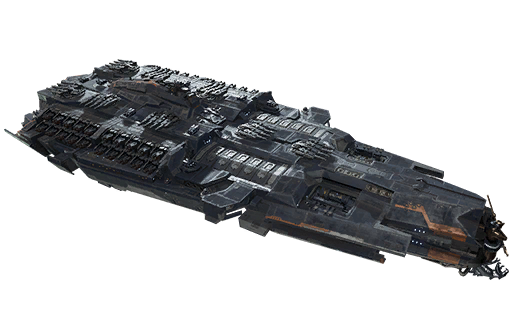
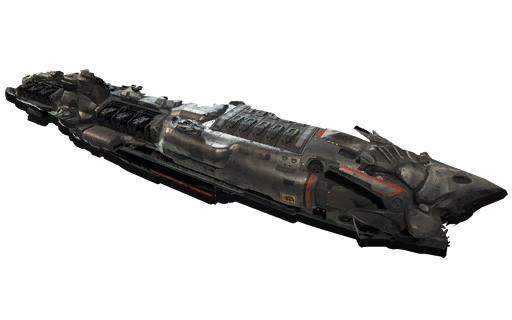
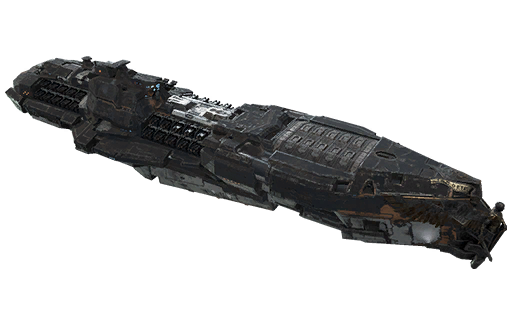
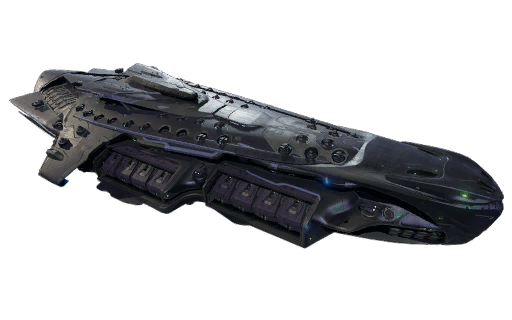
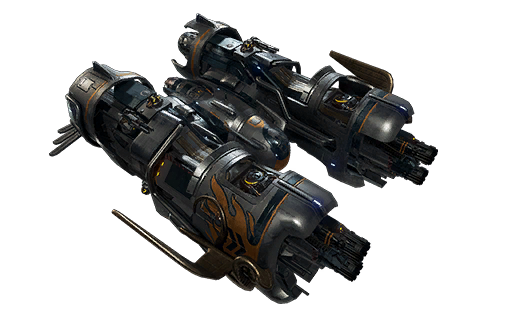
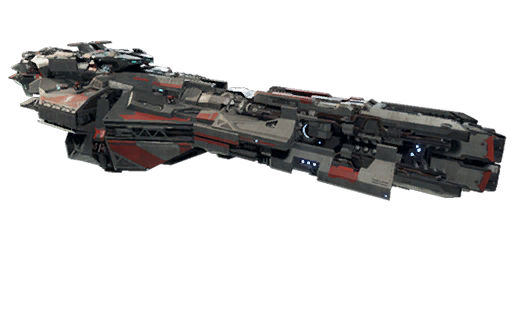
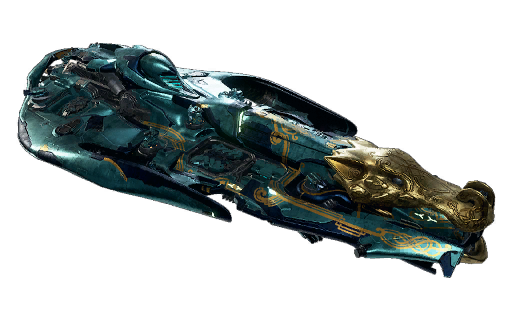
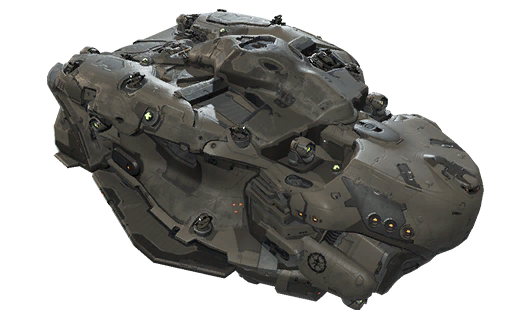
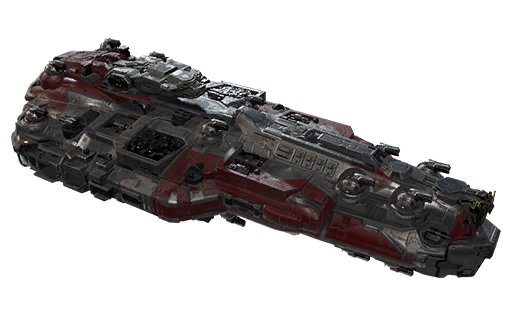
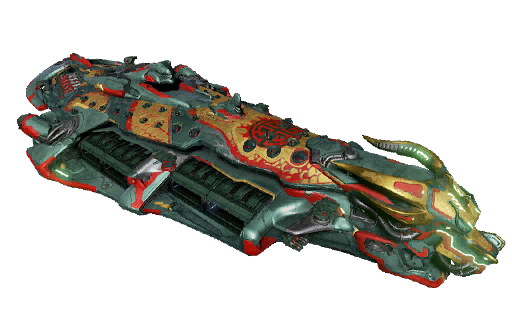
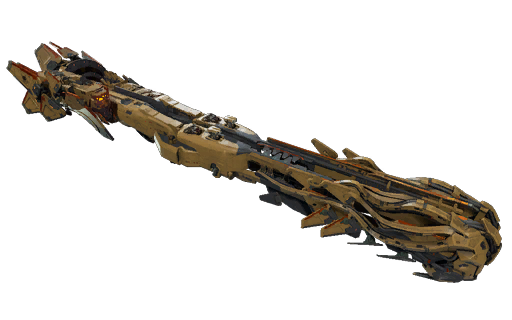
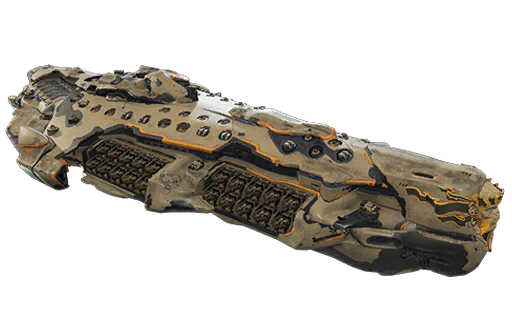
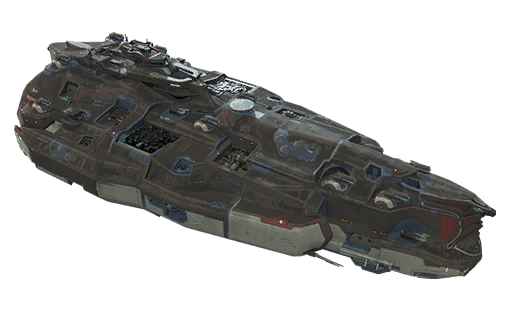
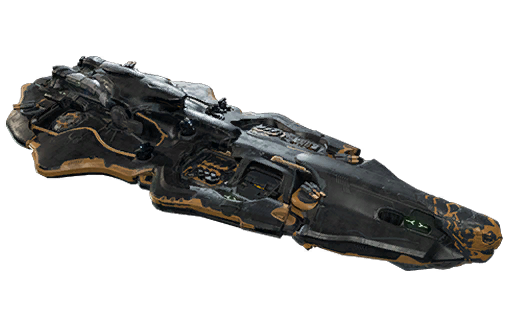
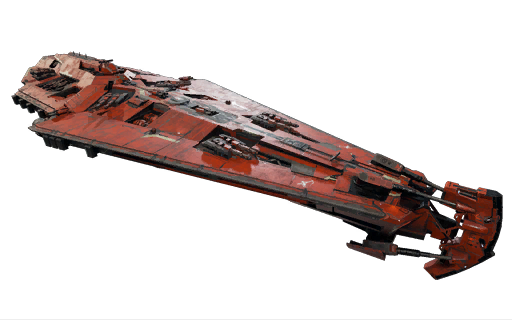
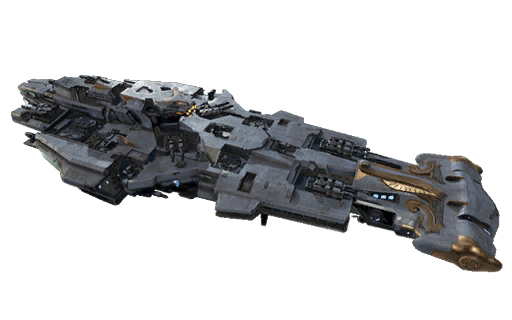
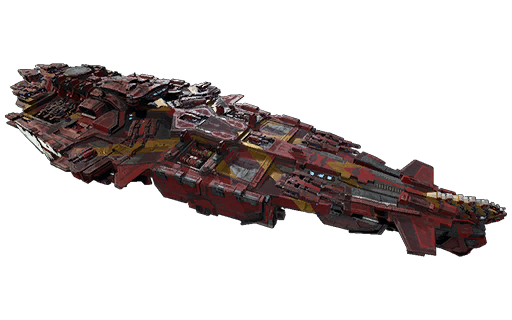
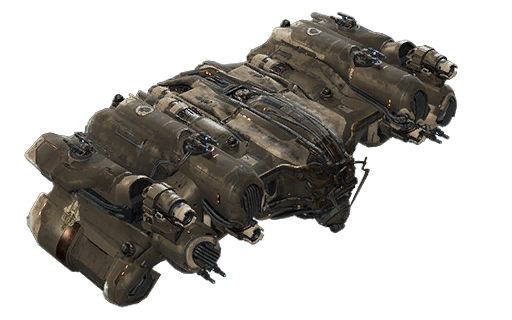
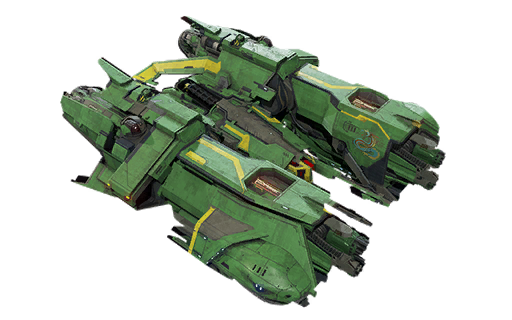
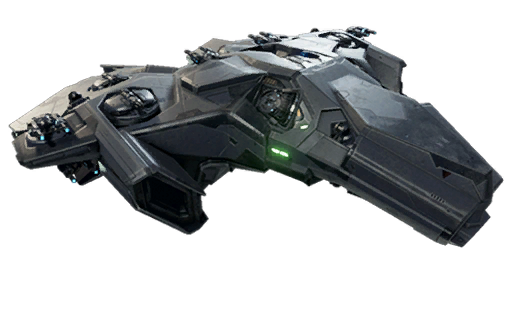
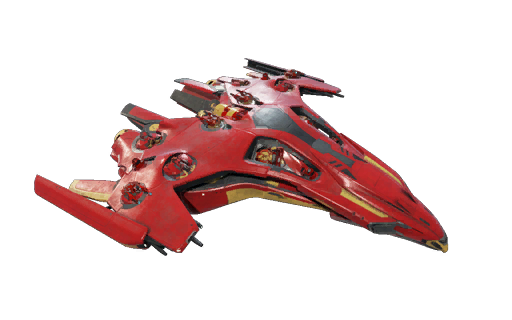
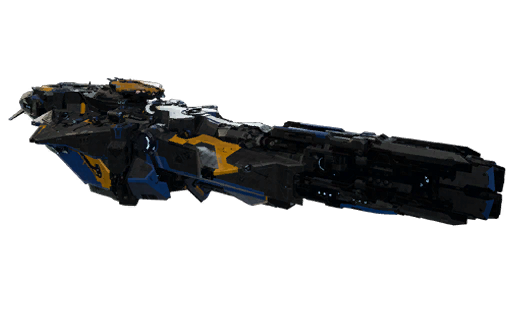
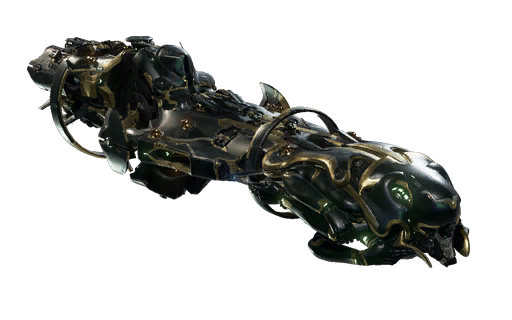
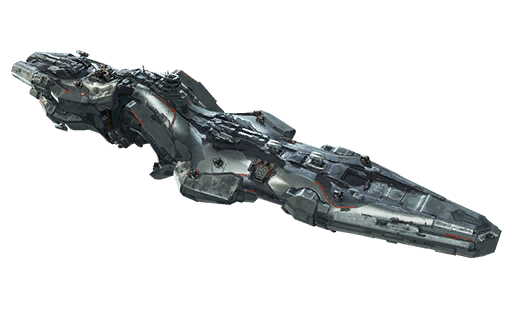
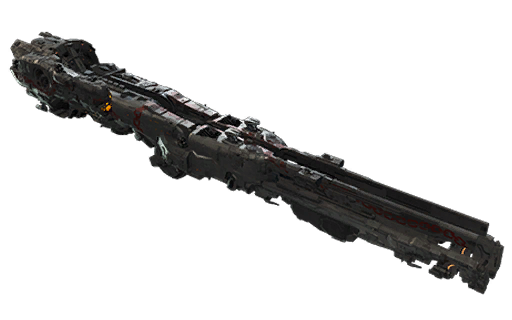
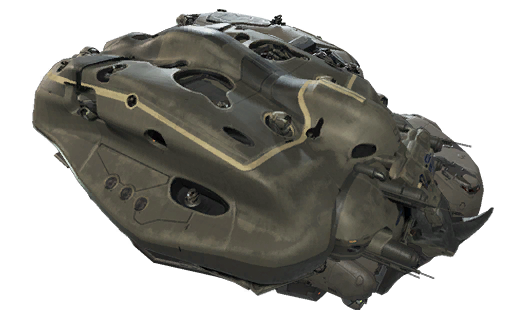
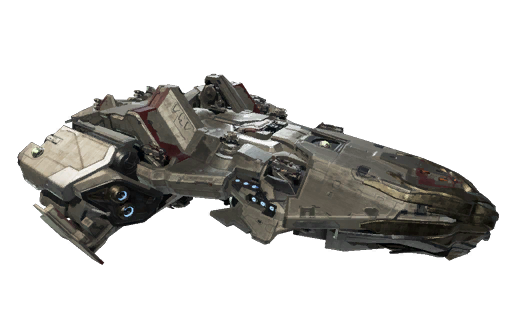
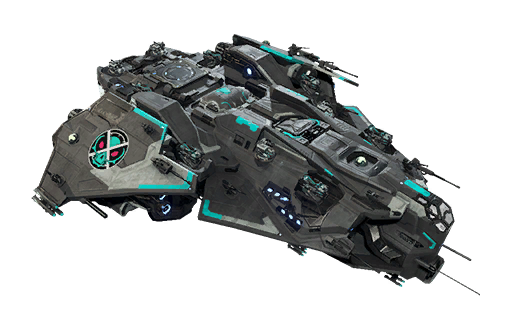
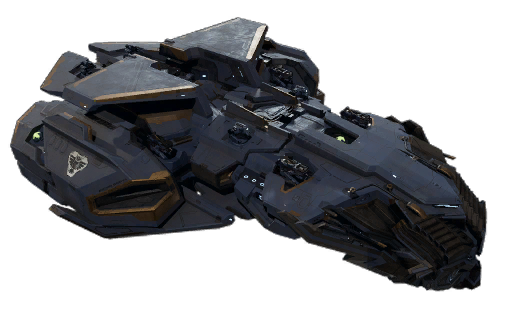
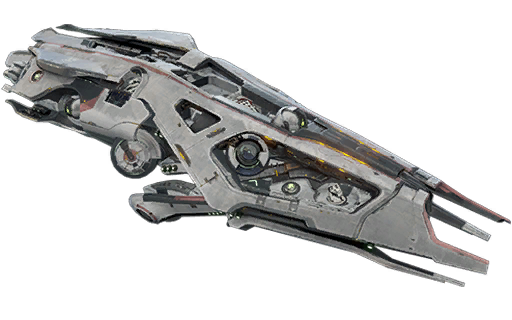
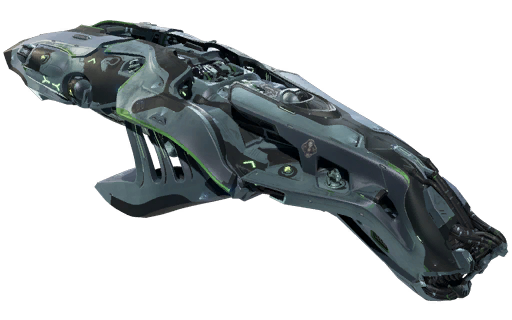
Dreadnought was a massive-scale space combat game — dreadnoughts, cruisers and fighters clashing across open maps — shut down with its publisher. This project is a fan-led revival: a community-operated private server that runs the completely unmodified game client against our own backend.
Everything is emulated server-side — login, hangar, inventory, market, tech tree, loadouts, contracts, career progression and matchmaking. The only thing a player installs is a replacement launcher that signs them into a server, trusts its certificate and starts the game. No game files are modified, and no game code or assets are distributed here.
Matches are played on battle servers the backend starts on demand: the original game executable run headless under Wine, one process per match, on UDP 7777–7877. Anyone can run the whole stack and list their server in the launcher.
> objective: preserve a piece of online-game history — playable, forever.
Fan-run project, not affiliated with Greybox or Yager. Dreadnought and all related assets belong to their respective owners. You need your own copy of the game client (Steam App 835860).
Ship Systems Status
LOGIN / ACCOUNTSOPERATIONAL
HANGAR & FLEETSOPERATIONAL
MARKET & COSMETICSOPERATIONAL
TECH TREEOPERATIONAL
DAILY CONTRACTSOPERATIONAL
MATCHMAKINGOPERATIONAL
MATCHES & LOADOUTSOPERATIONAL
SCORES & VICTORY SCREENOPERATIONAL
MATCH REWARDSPROVISIONAL
CAREER GOALSPROVISIONAL
HAVOC (PvE)EXPERIMENTAL
Provisional: the system works, but its numbers (reward amounts, goal targets, research and purchase costs) are placeholders until the original values are recovered.